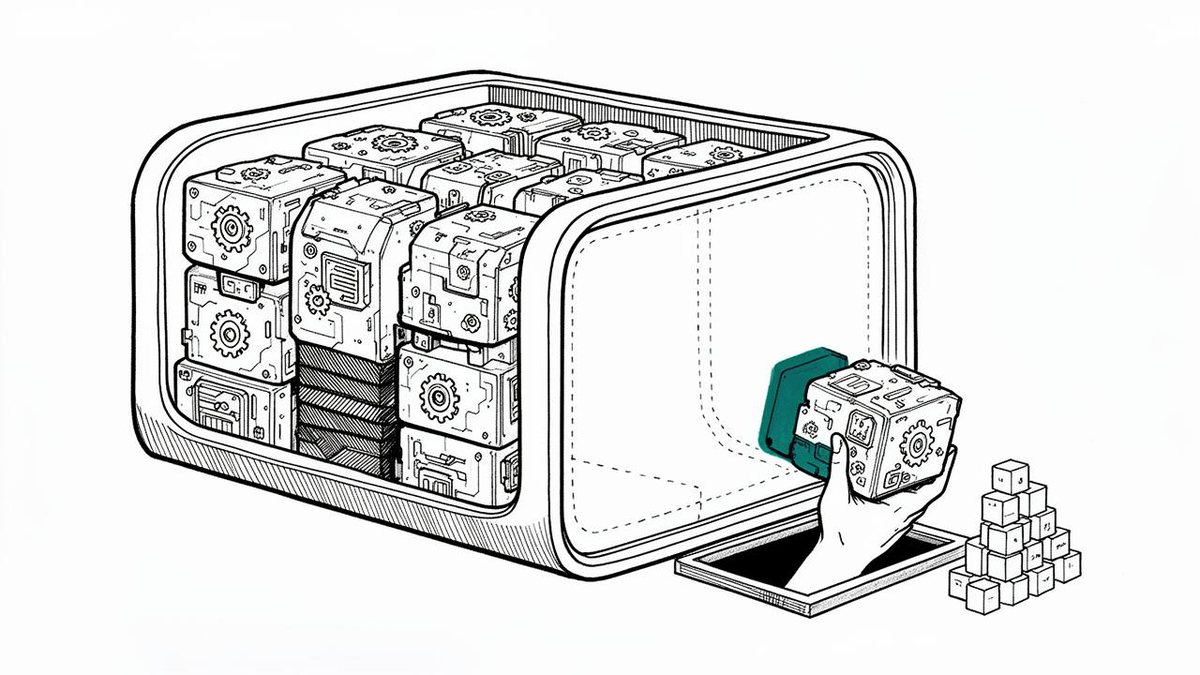
A free Windows tuning utility has added a switch that lets owners of Copilot+ machines shut down the background services Microsoft’s AI features lean on, and its developer says the change can hand back several gigabytes of memory.
Wintoys 3.0, released as build 3.0.10.0, introduces an “AI components” entry under its Optimizations tab. The tool is written by Bogdan Pătrăucean and distributed through the Microsoft Store, and it runs on both Windows 10 and Windows 11 through a WinUI 3 interface. The update was described by the developer and announced on Reddit.
The new option targets WorkloadsSessionHost.exe, a process that can run in multiple instances to hold machine-learning models in memory so that features such as Windows Recall and semantic search stay ready. According to Pătrăucean, those services can occupy anywhere from 2GB to more than 8GB of RAM, including while the related features sit idle.
On his own Surface Pro 12 with 16GB of memory, the developer reports that turning the components off pulled total memory use down from 11GB to about 5GB, a difference of roughly 6GB. He also pointed to a Microsoft Q&A thread from July 2026 in which a different user described recovering about 5GB by halting the Windows AI Fabric service and its associated workload processes.
Those figures are individual observations rather than controlled benchmarks, and the actual saving will vary with a machine’s hardware, its software configuration and which AI workloads are active. The option is aimed at Copilot+ PCs built with a neural processing unit; on conventional desktops the entry is not expected to appear at all.
Wintoys 3.0 also adds a separate Artificial Intelligence section for managing Recall, Click to Do, Notepad’s writing tools and agentic search. Which toggles show up depends on the installed hardware and the Windows features present on the system.
| Wintoys 3.0 change | What it does | Availability |
|---|---|---|
| AI components (Optimizations) | Disables background AI services including WorkloadsSessionHost.exe | Copilot+ PCs with an NPU |
| Artificial Intelligence section | Toggles for Recall, Click to Do, Notepad writing tools, agentic search | Depends on hardware and installed features |
| Profiles | Exports and restores a Windows setup as a JSON file | Requires the paid Wintoys+ add-on |
| Configuration mode | Better sync with Group Policy Editor so tweaks are not overwritten on refresh | Included |
Note: Feature availability as described by the developer for build 3.0.10.0.
Beyond the AI controls, the release adds Profiles, which writes a user’s Windows configuration to a JSON file that can be re-imported in one step. The feature is pitched at people setting up a fresh install or provisioning several machines, but it sits behind Wintoys+, a one-time paid add-on with lifetime access. The utility’s earlier functions remain free.
A new Configuration mode tightens the tool’s integration with the Windows Group Policy Editor, letting settings be applied either as preferences or as policies where the operating system supports it. That distinction matters because policy refreshes can otherwise revert changes made by third-party tweakers. The build also brings extra privacy controls, File Explorer preloading options, a reworked storage cleaner, clearer restart prompts and a batch of bug fixes.
The release lands as Microsoft works to trim Windows 11’s memory footprint, an effort the company has discussed publicly in recent months. Wintoys takes a more granular route, exposing individual components rather than waiting for Redmond to retune them, and the trade-off is that switching off AI services can break the features that depend on them.
For buyers of Copilot+ hardware, the appeal is straightforward: those machines ship with the AI stack enabled by default, and on 16GB configurations the resident models can consume a meaningful share of system memory. Being able to reclaim it without a full reinstall gives power users an option they previously lacked, though it comes from an unverified third-party tool rather than from Microsoft’s own settings app.
For the software’s author, the update is also a commercial step. Wintoys has been free since its launch, and Profiles marks one of the first capabilities reserved for paying supporters. Whether users who came for the memory savings will follow into the paid tier is an open question.
For IT administrators, the Group Policy synchronization is arguably the more consequential addition. Machines managed by an organization often have settings locked down by policy, and a tweaking utility that respects those policies is less likely to create support tickets after a refresh cycle. Users on work or organization-managed computers are still advised to weigh the implications of each tweak before applying it, since some changes may conflict with corporate configuration.
Wintoys 3.0 can be downloaded at no charge from the Microsoft Store.