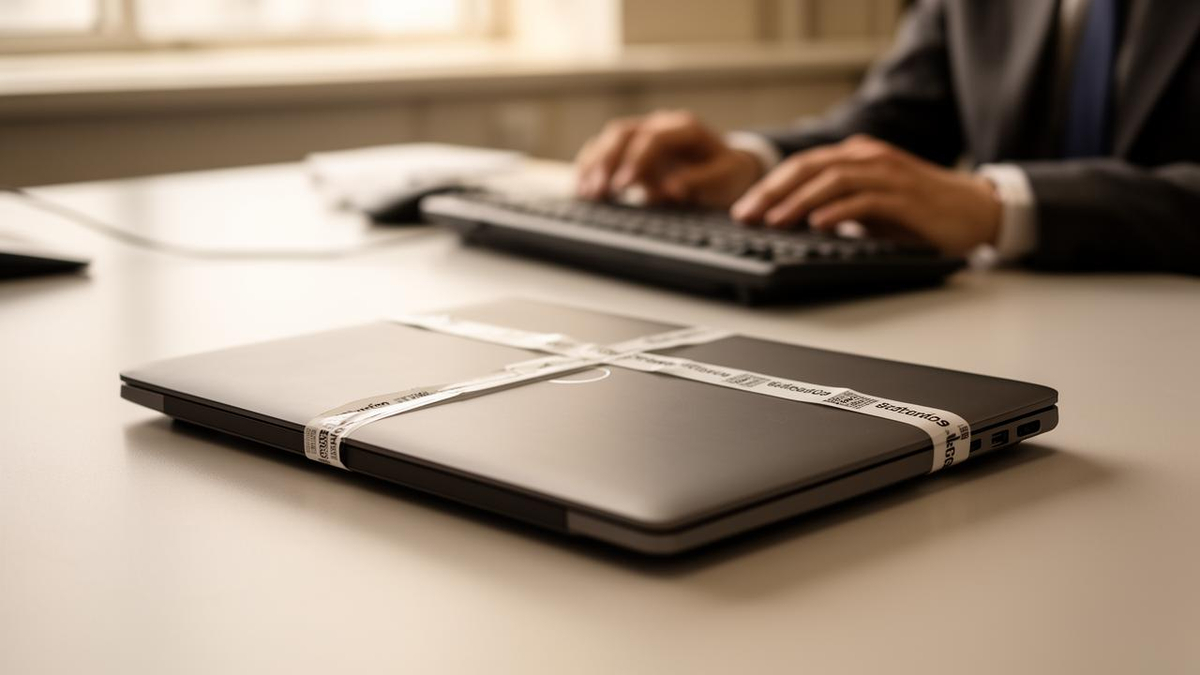
Microsoft is testing a new capability that lets IT administrators remotely lock a lost or stolen Windows 11 device without wiping the data stored on it, giving organizations a middle option between doing nothing and destroying everything.
The feature, called Remote Lock, shipped in Windows 11 Insider Preview Build 29708.1001 for the Experimental (Future Platforms) channel, released on November 13. It is aimed at the enterprise fleet managers who today rely on Remote Wipe through Microsoft Intune, a tool that deletes all user data from a missing machine as soon as it is triggered.
Under the new approach, an administrator can seal off the device instead. Once Remote Lock is engaged, Windows signs out every active session, conceals all local sign-in options and puts up a custom “Device Locked” screen, cutting off access both on the machine itself and remotely. The device stays enrolled in Intune and continues to be managed, and BitLocker encryption remains switched on as a second layer of protection.
The lock survives restarts and holds even while the device is offline. Only an administrator can release it, and only remotely through Intune — there is no local unlock path. Microsoft describes that restriction as deliberate, intended to stop anyone from grinding through brute-force attempts to reach the data.
If the hardware turns up again, the authorized user signs back in and resumes work with files intact, a sharp contrast with the wipe-and-restore cycle that follows a Remote Wipe.
Microsoft is also giving administrators a way to read the state of a device from the console. A read-only Status node in Intune reports the effective LockState, with four values:
| LockState value | Meaning |
|---|---|
| 0 | Device is unlocked |
| 1 | Device is locked |
| 2 | Lock is pending |
| 3 | An error occurred while attempting to lock the device |
Note: values as documented by Microsoft for the Intune Status node.
Remote Lock can be configured through Intune on Windows Enterprise, Education and Pro devices that are MDM-enrolled, Microsoft Entra-joined or hybrid-joined. The lock screen can also be set to display a reason for the lockdown and a help desk contact.
The feature does not close every door. Microsoft notes that Remote Lock leaves local boot and recovery options untouched, including the Windows Recovery Environment, Safe Mode, and booting from USB drives or other media. Administrators are advised to keep BitLocker enabled so that data stays protected if a drive is physically pulled or the machine is reimaged.
The release notes for the build also reference Windows 10 and Windows Server 2016, 2019 and 2022, a hint that the company may eventually push the capability beyond Windows 11.
The same flight carried other changes. Microsoft reworked Windows Hello PIN settings for personal accounts, setting a default minimum of six digits — four remains selectable — while dropping restrictions on sequential digits and complexity requirements involving letters and symbols.
Separately, the Release Preview channel builds for versions 25H2 and 26H2 began rolling out a set of features gradually. They include a rebuilt Windows Search that returns results in a single list, with claimed gains in performance and memory efficiency; users can trigger actions such as toggling Bluetooth or dark mode straight from the search box, preview files and see brief answers on weather or stock prices, initially in English only. The same builds add temporary screen brightening during Windows Hello face authentication for dim rooms, a redesigned Run dialog that must be switched on from the Settings app, Quick Settings access inside the Gaming Task View of Xbox mode, an option to turn off Sticky, Filter and Toggle Keys directly from the confirmation prompt, notifications when new widgets become available after an app install, index-based searching from PC in File Explorer, a shift in the screen-capture border from yellow to red, a pointer indicator for low-vision users, and Web sign-in support for Microsoft Entra hybrid-joined devices.
For IT teams, the appeal of Remote Lock is straightforward. Remote Wipe has long been a blunt instrument: effective at stopping a data breach, but costly when a laptop is simply left in a taxi and later recovered. A lock that preserves the installation, the encryption state and the management enrollment removes the rebuild that follows a mistaken wipe.
The trade-off is dependence on connectivity and on the management console itself. Because unlocking happens only through Intune, an organization that loses administrative access — or a device that never reconnects — faces a machine that stays sealed until the console is reachable. Microsoft’s decision to block local recovery of the lock state is what makes the protection meaningful against an attacker holding the hardware, but it also means recovery depends entirely on the cloud control plane.
The feature remains in preview and is not yet available to general Windows 11 customers. Its appearance in an experimental channel, alongside references to older platforms, suggests Microsoft is still deciding how widely to distribute it. For now, administrators running Intune-managed fleets have a new option to evaluate — one that protects the data without destroying the device.