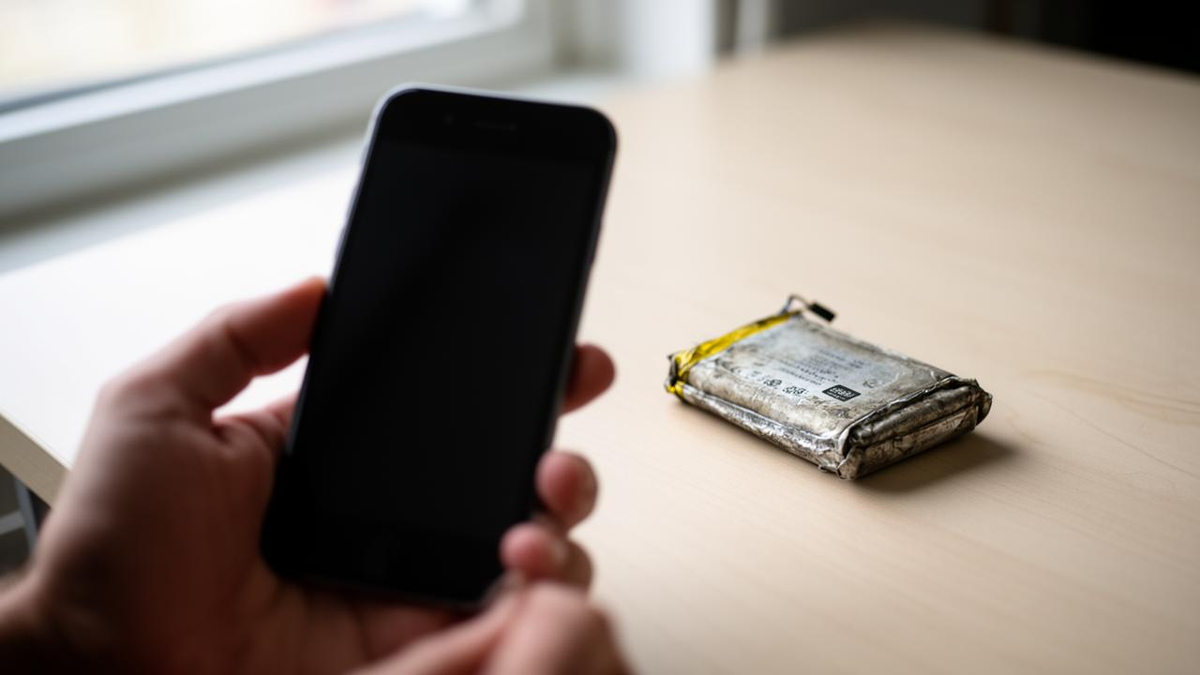
A phone battery that plunges from 60 percent to 20 percent in a matter of minutes is usually not a sign of imminent failure. In most cases the cause is either an aging lithium-ion cell whose remaining charge the software is misjudging, or a recent operating-system update still running background maintenance, according to Engadget.
The percentage shown on screen is an estimate, not a measurement. Phones derive it from the battery’s voltage and current, and those readings can drift from the true state of charge. When the system eventually recalculates, the number snaps to a new value instead of declining smoothly. The effect is most pronounced on cells that have lost capacity, because a worn battery struggles to deliver the burst of power needed for demanding tasks such as opening the camera or firing up GPS, and the voltage sags under that load.
Apple has built a safeguard for exactly this problem. iPhones include a system that detects when a battery can no longer supply peak current and throttles performance to prevent sudden shutdowns and power spikes. A battery-health reading below 80 percent of original capacity is the usual signal that a replacement is due, which costs far less than a new handset. Apple says current iPhones are designed to hold 80 percent of their original capacity through up to 1,000 charge cycles.
Heat, updates and background apps
Temperature matters as much as age. Most phones are rated to operate between 0 and 35 degrees Celsius (32 to 95 degrees Fahrenheit). Running the device above that range accelerates drain sharply, and the sensible response is to stop using it until it cools. Chilling a hot phone in a refrigerator is a bad idea, because cold air meeting a warm chassis creates condensation inside the device.
Software updates produce a similar, though temporary, effect. Both iOS and Android reindex files and run optimization routines for hours or even days after an update, which raises power consumption. The drain subsides once indexing finishes.
A misbehaving app or a process that keeps running in the background, particularly one with continuous location access, can also pull the battery down quickly. Closing background apps is the first thing to try. Restricting location permissions to while-in-use prevents the phone from waking GPS constantly, and both platforms expose per-app consumption data in their settings.
| Platform | Where to check battery health and usage |
|---|---|
| iPhone | Settings > Battery |
| Pixel 6 and later | Settings > Battery Diagnostics |
| Samsung Galaxy | Settings > Battery > View Details |
Note: Menu paths vary by OS version and device model.
What the numbers mean for buyers
The practical takeaway for consumers is that a sudden drop is diagnostic information rather than a verdict. Checking battery health first separates a worn cell from a software culprit, and the two call for very different spending decisions. A replacement battery is a modest repair; a new phone is not.
The pattern also has implications for how manufacturers design power management. Voltage-based estimation is cheap and requires no extra hardware, but it becomes less reliable as cells age, which is why performance-throttling safeguards and clearer health reporting have become standard features rather than optional ones. For carriers and repair shops, the 80 percent threshold gives a simple, manufacturer-endorsed trigger for recommending service.
For most users, the sequence is straightforward: rule out heat, give a fresh update a few days to settle, audit background and location permissions, then look at battery health. Only the last step points to hardware.